In a nutshell
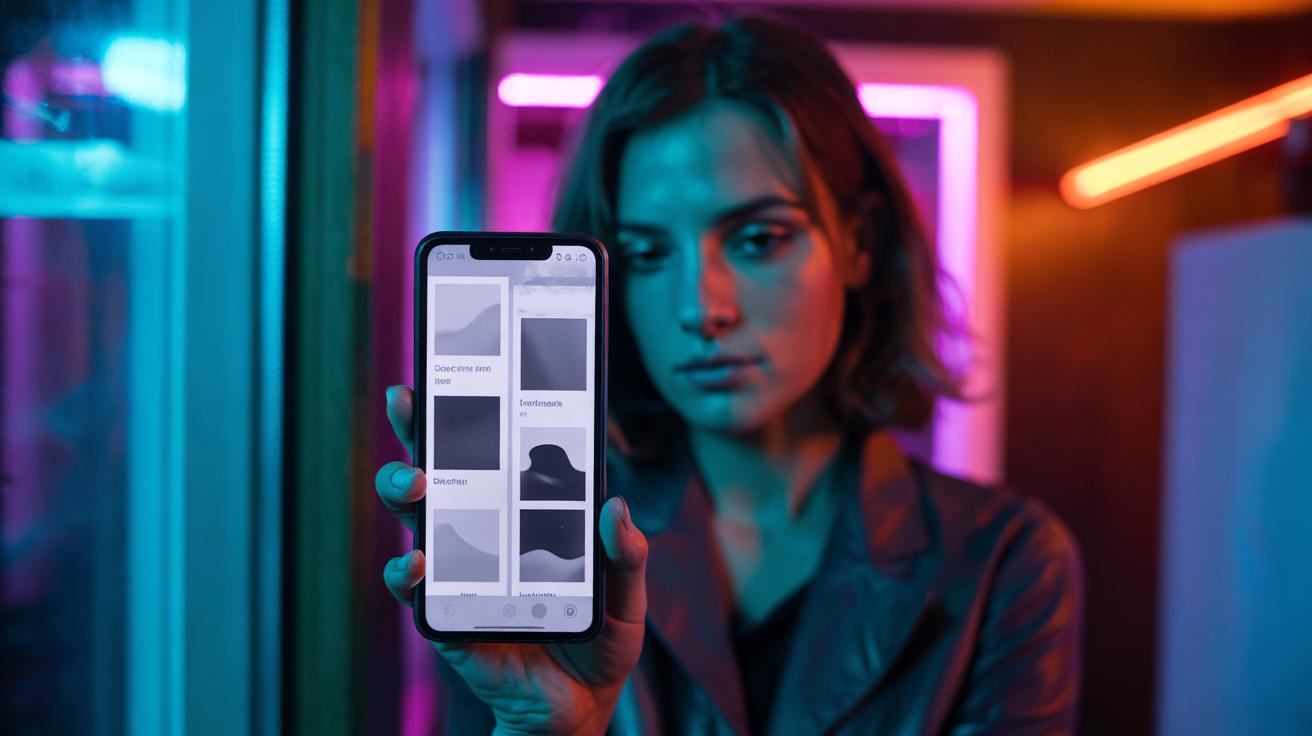
- 🎛️ Switching to grayscale strips colour salience, muting flashy cues like red badges and thumbnails, which reduces impulsive checks and softens dopamine-driven urges.
- 🧠 The habit loop relies on intermittent reinforcement; grayscale dulls reward anticipation by removing chromatic “win” signals, weakening the cue–craving–response cycle.
- ⚙️ Quick setup: iOS via Accessibility → Colour Filters → Grayscale; Android via Accessibility/Colour correction; Samsung via Vision enhancements. Add shortcuts for one-tap toggling.
- 📉 Expected effects: initial boredom, fewer pickups, shorter sessions, and less notification urgency; pair with batch notifications and cleaner docks for stronger results.
- 🧭 Treat grayscale as a circuit breaker, not a cure—use automation (work hours/bedtime) and intentional app use to reclaim focus without losing essential colour tasks.
There’s a simple, slightly joyless trick doing the rounds among people trying to rein in their scrolling: set your smartphone to grayscale. Strip away the confetti of app icons and autoplay clips, and the screen becomes oddly quiet. Without colour, the constant “just one more” tug slackens, and feeds feel flatter, less urgent, more skippable. For a culture hooked on bright badges and looping stories, it sounds ascetic. Yet the logic is clear. Colour is a powerful driver of attention, and attention is the gateway to habit. Here is how the no-colour tactic blunts the dopamine spikes that keep us tapping, swiping, and chasing the next hit.
Why Colour Supercharges Your Phone
Apps compete in a hot market where the currency is your gaze. Designers lean on colour salience—high-contrast reds, zingy blues, shimmering gradients—to flag urgency and reward. Think of notification badges: a red dot over an icon has evolved into a universal “open me now” signal. The brain’s visual system is tuned to novelty and contrast, so saturated hues cut through peripheral vision. When every tile shouts in neon, your thumb follows reflex before reason has a chance to intervene. Background blur, animated transitions, and candy-coloured progress bars add to the pull, packaging micro-rewards in visual fireworks.
Grayscale removes that spark. The Instagram logo goes from festival to filing cabinet; YouTube thumbnails lose heat; shopping apps shed their sale-red sirens. Colour-coding no longer nudges the next move, so the feed starts to feel heavier and routine. By flattening the palette, you cut the signalling system that turns a quiet moment into a compulsive check. The result is not a moral victory but a mechanical one: fewer cues, fewer unplanned taps, and more time between impulses.
The Neuroscience of Dopamine and Design
Scrolling is built on intermittent reinforcement, the same schedule that keeps gamblers at the slots. Not every pull pays; the uncertainty is the hook. Each unexpected like, message, or slick clip triggers a tiny surge of dopamine, priming you to try again. Colour amplifies that loop by making rewards pop: gold stars, crimson hearts, emerald ticks. Take away the chromatic cues and you dull the anticipation that underpins the habit loop. This isn’t about pleasure per se; it’s about salience—what the brain tags as worth noticing, seeking, and repeating.
Neuroscientists sometimes call dopamine a teaching signal; it marks what to learn and return to. Grayscale weakens that mark by reducing the sensory contrast associated with a “win.” Feeds become less lottery, more ledger. Over days, people report fewer urges and shorter sessions because the visual bait stops sparkling. Grayscale won’t cure compulsive use, but it reliably lowers the intensity of the trigger–reward cycle. Pair it with nudges—timers, batch notifications—and the behaviour shift becomes stickier.
How to Switch Your Phone to Grayscale
You don’t need an app, just a setting buried in accessibility menus. The key is to make grayscale easy to toggle so you can keep colour for maps or photos, then snap back to grey for everyday browsing. Turn it into a one-second habit, not a ten-tap chore. Below are quick routes for popular devices; names vary slightly by model and version, but the path is consistent. Add a shortcut so late-night doomscrolling meets instant friction.
| Platform | Path to Grayscale | Quick Toggle Tip |
|---|---|---|
| iOS (iPhone) | Settings > Accessibility > Display & Text Size > Colour Filters > Grayscale | Settings > Accessibility > Accessibility Shortcut > Colour Filters (triple-click side/home) |
| Android (Pixel/Stock) | Settings > Accessibility > Colour correction > Grayscale | Settings > Digital Wellbeing > Bedtime mode > Screen options > Grayscale; add tile in Quick Settings |
| Samsung (One UI) | Settings > Accessibility > Vision enhancements > Colour adjustment > Grayscale | Modes and Routines > Sleep or Focus mode > Turn on Greyscale; add shortcut in Quick Panel |
Once enabled, consider tying grayscale to time and place—on during work hours, off for photos, back on after 9pm. Automation removes willpower from the equation. If your phone defaults to grey whenever you’re most vulnerable, you’ll notice cravings softening within days. Keep a colour “allow-list” by using widgets or bookmarks for essential tools, so productivity doesn’t suffer while the dopamine décor stays dimmed.
What Changes When You Go Grayscale
The first surprise is boredom. That’s the point. You’ll open fewer apps reflexively because they no longer sparkle at the edge of vision. Notifications feel less shrill; video thumbnails lose their siren call; shopping carts fail to glow. The friction returns to the top of the funnel, where most compulsive sessions begin. Many users also report they stop rearranging home screens and pruning folders just to scratch an itch—the visual canvas no longer rewards tinkering. Over a week, screen-time graphs often show shorter sessions and longer gaps between pickups.
There are trade-offs. Navigation and photography benefit from colour, as do accessibility needs for some users. That’s why shortcuts matter. Pair grayscale with batch notifications, hide counts on social icons, and move temptations off your dock. Think of grayscale as a circuit breaker, not a lifestyle. It lowers sensory volume so your reflective brain can choose what’s worth opening, instead of your reflex reaching for the next bright thing.
Grayscale is not a sermon; it’s a hack. By stripping colour—the cheapest, loudest amplifier of attention—you dial down the cue–craving–response cycle that modern apps exploit. It won’t rebuild focus on its own, but it creates space for better habits: scheduled checks, purposeful opens, and real endings to sessions. A quieter screen begets a quieter mind, and that’s often enough to change the day’s rhythm. If you tried living in black and white for a fortnight—automations set, shortcuts ready—what patterns would you notice, and which old colours would you actually choose to bring back?
Did you like it?4.3/5 (21)